• Photography
  • Interviews
  • Business
  • Reviews

Tiffinbox

Inspiring Photographers

  • Home
  • About
  • Blog
  • Contact

Scott Wyden Kivowitz

Scott Wyden Kivowitz is the Community & Blog Wrangler at Photocrati, photographer, blogger and educator.

5 Tips For Photography Website Success

September 10, 2013 by Scott Wyden Kivowitz

As you might have guessed, having a website is essential to a photography business, so it is important to take necessary steps for photography website success. In this article, you are going to read five for photographers to achieve such a goal.

Hosting

The first step to achieve success, is to seek the best possible hosting for a photography business. There are many reason why WP Engine is a great choice for any photographer. First, is the expertise from every WP Engine employee. Another is their guaranteed uptime. At Photocrati, we pride ourselves on having the best possible support and understand how valuable it is to customers. So of course, I have to mention that their support is some of the best out there. Other awesome features from WP Engine are their time machine style backups, hack recovery and free migration services if you are transferring from another host.

I was originally hosted on Dreamhost, and then Liquid Web. Both were VPS servers which means that they're already more advanced and resourceful than shared hosting. However, my site kept going down when traffic spikes. Now on WP Engine my site really hasn't been down aside from a major power outage that was out of their control. With that said, WP Engine is my WordPress host of course.

If you're using a service that hosts your website for you, reach out to the company and find our about their downtime policy, website speeds and security measures.

Platform

The next thing to consider is the platform for which the website is built on. There are many content management systems available, but with over 16% percent of all websites on the Internet using WordPress, which is over 78 million WordPress installs, it is obvious what the best choice is. Now, some photographers do not want “the hassle” of managing a website host or WordPress application. Fortunately, WP Engine specializes in WordPress and customers do not have to worry about managing anything but three things:

  1. Update your WordPress theme
  2. Update your WordPress plugins
  3. Create your content

WordPress has its many advantages like having complete control over every aspect of your website. There is a massive community of other WordPress users willing to lend a hand and answer questions. There are tons of resources on the Internet to learn WordPress and find answers. WordPress is extremely flexible and can be a blog, a marketing page, a lead capturing tool, a full website, a CRM and many other things.

Theme

There are thousands of photo specific WordPress themes out there, and while we love our theme we also know that not everyone wants the same theme. With that, we have no problem recommending potential customers (or non customers) to theme's that are more of their personal taste. There are so many websites that list photo themes, so do so Google searching to find one that you like. Use keywords like full screen or grid layout.

Some things to consider for your photography WordPress theme are:

  • Gallery management
  • eCommerce
  • Image protection
  • Mobile friendly

The Photocrati theme is each of these and responsive capability is also coming in a future update.

Plugins
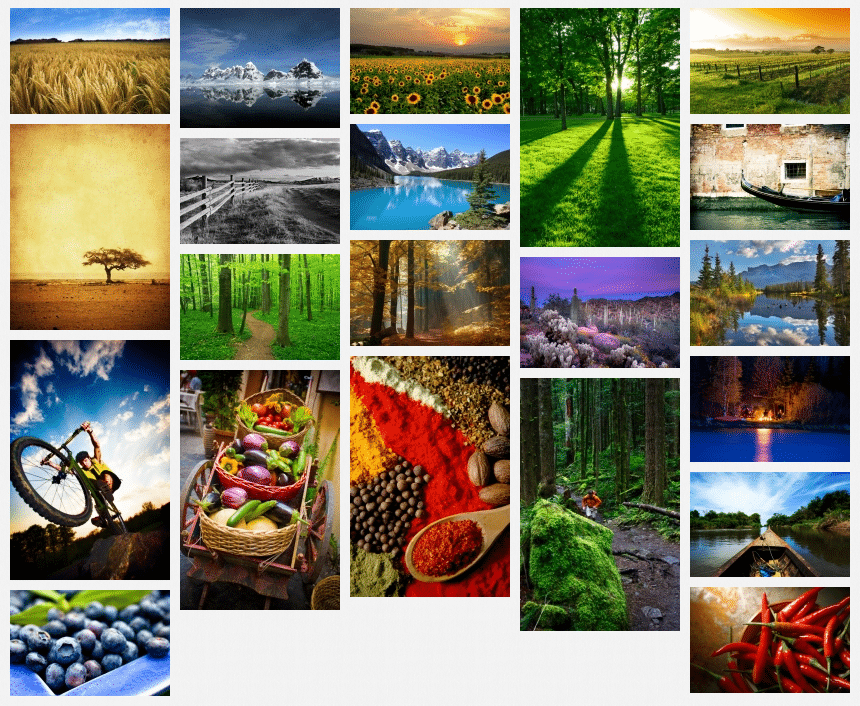
NextGEN Pro Plugin By Photocrati

Just like themes, there are thousands of plugins out there for photographers to use. They cover the full gamut of options, features and so on. Whether you are looking for an appointment plugin or a gallery plugin, there are many options. At Photocrati, we develop one of the most popular plugins called NextGEN Gallery (approaching 8 million downloads). We recently launched NextGEN Pro which includes enhanced gallery styles a Pro Lightbox with individual photo social sharing and commenting. Coming in future updates are eCommerce, proofing and lab integration. All of these amazing features can be used on any WordPress site running any WordPress theme.

However, we know some people prefer other gallery styles we currently do not offer. So with that, we have no problem recommending plugins like SlideDeck or FooBox which both integrate with NextGEN Gallery.

Also like themes, do Google searching for relevant keywords and WordPress listings will usually come up first. If you're looking for SEO or contact form plugins, check out WordPress SEO by Yoast and Gravity Forms.

Content

Of course, without content anything you do is practically useless. Content can be photographs, documents like a PDF guide for customers, blog articles or podcasts. Content is what attracts visits to your website. Spend some time and brainstorm ideas to create. If you are not a great writer, then hire someone who is. Make sure it is optimized for search engines, and see the traffic start to come in.

Don't be afraid to blog. Find your voice, be creative and write write write. Spend some time with your laptop or tablet outside or in a coffee shop. Different locations inspire creative writing. See what your competition is doing and then do it better.

Closing

Of course, there is much more to website success than this basic overview. Feel free to comment or contact me and I will do my best to answer your questions.

Filed Under: Featured Post of the Day!, Web/Tech Tagged With: content management systems, Photography Business, photography website, Photography Wordpress, Tips For Photography, Website Success, wordpress, Wp Engine

Your Photography, Your Website, Your Success

December 6, 2012 by Scott Wyden Kivowitz

Scott Wyden Kivowitz is a New Jersey Photographer and the Community & Blog Wrangler at Photocrati, NextGEN Gallery and the Photographers SEO Community, teaching other photographers on how to increase business with their website.

These days, websites are so important for photography businesses. They can be used as a marketing tools, a sales tool and even an accounting tool if so desired.

WordPress is the most popular website platform among the industry, and most industries for that matter. After picking from WordPress photography themes, many photographers are looking for advice on what to do or where to go next. With WordPress being such a flexible platform for websites, it is understandable that someone can be overwhelmed at first.

photography-website-ebook

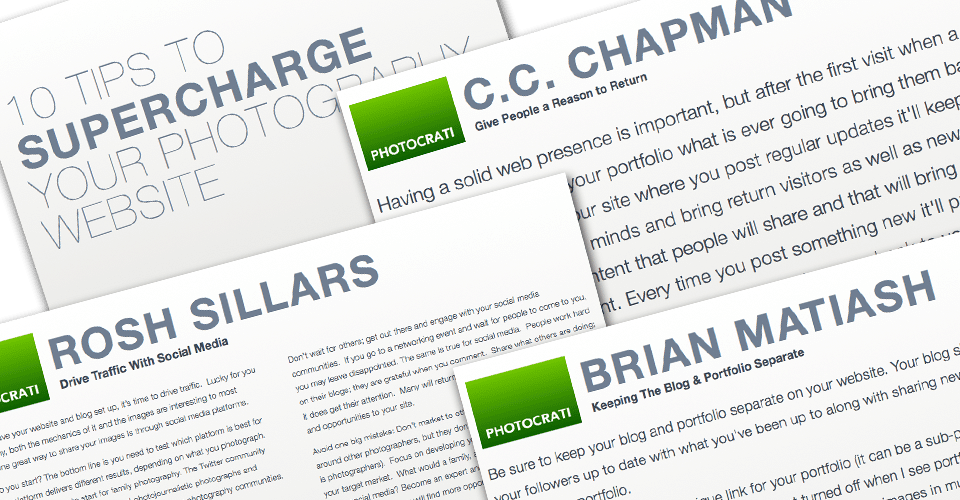
This is where a new eBook comes into the picture. (pun intended) 10 Tips To Supercharge Your Photography Website contains advice from ten photographers who have done the legwork of figuring out some secrets to website success.

For example, Jamie Swanson of The Modern Tog talks about local marketing and SEO by using a website. Justin Balog, of HOSSedia, talks about using your blog as an education resource to attract clients. Brian Matiash, of onOne Software, talks about using social media to further promote your work.

Photographers in the eBook:

  • Jamie Swanson
  • Andrew Funderburg
  • Angela Pointon
  • C.C. Chapman
  • Zach Prez
  • Brian Matiash
  • Chris Frailey
  • Justin Balog
  • Rosh Sillars
  • Jodi Friedman

Even with the three examples and the tips from seven photographers, Photocrati has added their own advice to the mix.

“Choosing a WordPress theme is very personal, even when choosing for a business. As photographers, we are visual people and tend to lean towards more visual themes, which completely makes sense. Of course, you can pick between free and premium (paid) themes, but premium themes provide a lot of advantages.”

So as you can see there is a lot to be learned in the ebook. Did I mention it's free?

Aaron Hockley is a photographer (and speaker) in Vancouver, Washington. He downloaded a copy of the photography website eBook and sent me an email saying:

“Great tips for photographers of all sorts – whether you shoot people, artwork, or landscapes, these website strategies will apply to your site.”

So with that, I urge you to visit the eBook page and download your free copy, because it's only a few clicks away.

Filed Under: Business Tagged With: 10 Tips, photographer, Photography, Photography Themes, photography website, wordpress

NextGEN Gallery Acquired By Photocrati

June 19, 2012 by Scott Wyden Kivowitz

Photocrati is the leading WordPress theme for photographers and NextGEN Gallery, now with over 5 million downloads, is one of the most popular plugins for WordPress.

Combine the two and what happens?  An all-in-one powerhouse platform for photographers.

Photocrati is excited to announce that it has acquired the NextGEN Gallery WordPress plugin!

NextGEN Gallery is the single most popular gallery management plugin for WordPress. The acquisition is part of an effort to consolidate the best WordPress solutions for photographers under one roof.

photocrati-acquires-nextgen-gallery

The future of Photocrati & NextGEN Gallery

  • Improving the user interface
  • Adding capabilities to manage galleries from within posts and pages
  • New slideshow, filmstrip and thumbnail displays
  • Caption and filmstrip styling
  • eCommerce capabilities w/ print and price options, digital downloads, shopping cart and PayPal features
  • Bug fixes and security patches
  • Build a relationship with the NextGEN Gallery user community through blogging and social channels

Last, but not least – Photocrati plans on creating a full integration with its WordPress theme. The integration process is very complicated and Photocrati must take into account the needs of existing theme and NextGEN Gallery users.

Be assured, the Photocrati will keep the community posted on the progress and with as many details as possible.

Please visit the Photocrati and WordPress gallery plugin site announcements for more details on the future of the theme and plugin.

Thanks for reading,

Scott
–
Scott Wyden Kivowitz is the Community & Blog Wrangler at Photocrati, Photographers SEO Community and NextGEN Gallery.

Filed Under: News Tagged With: gallery, plugin, portfolio, portfolio website, wordpress

Subscribe To Tiffibox Treats!

Looking for a well-curated email newsletter that will leave you inspired and motivated about your photography business? Sign up below!

About Seshu

Seshu creates relaxed portraits of families and high school seniors in Avon, Connecticut. He also leads a successful headshot photography studio in Connecticut, helping professionals from a variety of disciplines project the very best versions of themselves. He created Tiffinbox as a way of inspiring photographers, to create better images and successful businesses. [Read More]

Email Templates For Headshot Photographers

Email Templates for Headshot Photographers

Recent Posts

  • How Capture One Changed My Event Photography
  • 10 Steps To Stay Positive In Times Of Great Stress
  • Why You Need To Read “Personal Branding For Photographers” Now
  • How To Master Your Website Content Step By Step?
  • Tony Taafe’s TNT Method For Headshot Photographers

Recent Comments

  • Stephen Davison on Are You A Business Owner Who Is Smart, But Stuck?
  • Ben A. on Don Giannatti Clinches The 8th Annual Tiffinbox Award
  • Dan on Don Giannatti Clinches The 8th Annual Tiffinbox Award
  • Donald Giannatti on Don Giannatti Clinches The 8th Annual Tiffinbox Award
  • Stephen Davison on G.E. Masana’s 6 Strategies For Wedding Photography Success
  • Naveen Kumar on Weddings In India Are More Than Being At The Right Place And At The Right Time
  • kartick on Weddings In India Are More Than Being At The Right Place And At The Right Time
  • Leonid Farbman on 6 Uncommon Trends To Grow Your Photography Business
  • Willow and Finch Wedding Photography on 11 Reception Tips To Help Your Wedding Photography
  • Web Designer Malaysia on How To Optimize Your Squarespace Website For Search Engines
  • Creastan on An Interview With Photojournalist G.M.B. Akash
  • Cindy Brown | Atlanta on An Open Letter To A Local Photographer

Become a Patron!

Copyright © 2026 · Tiffinbox · Site Design by Heather Mackan Creative · Built on Genesis